Damaged material
On this page you will find everything that has to do with the recording and further processing of damaged material.
Recording damaged material
Section titled “Recording damaged material”Damaged material is recorded in the course of a return delivery. If you want to know more about returns, see the Return delivery page. If the warehouse worker opens an item on a return delivery, they see the following view:
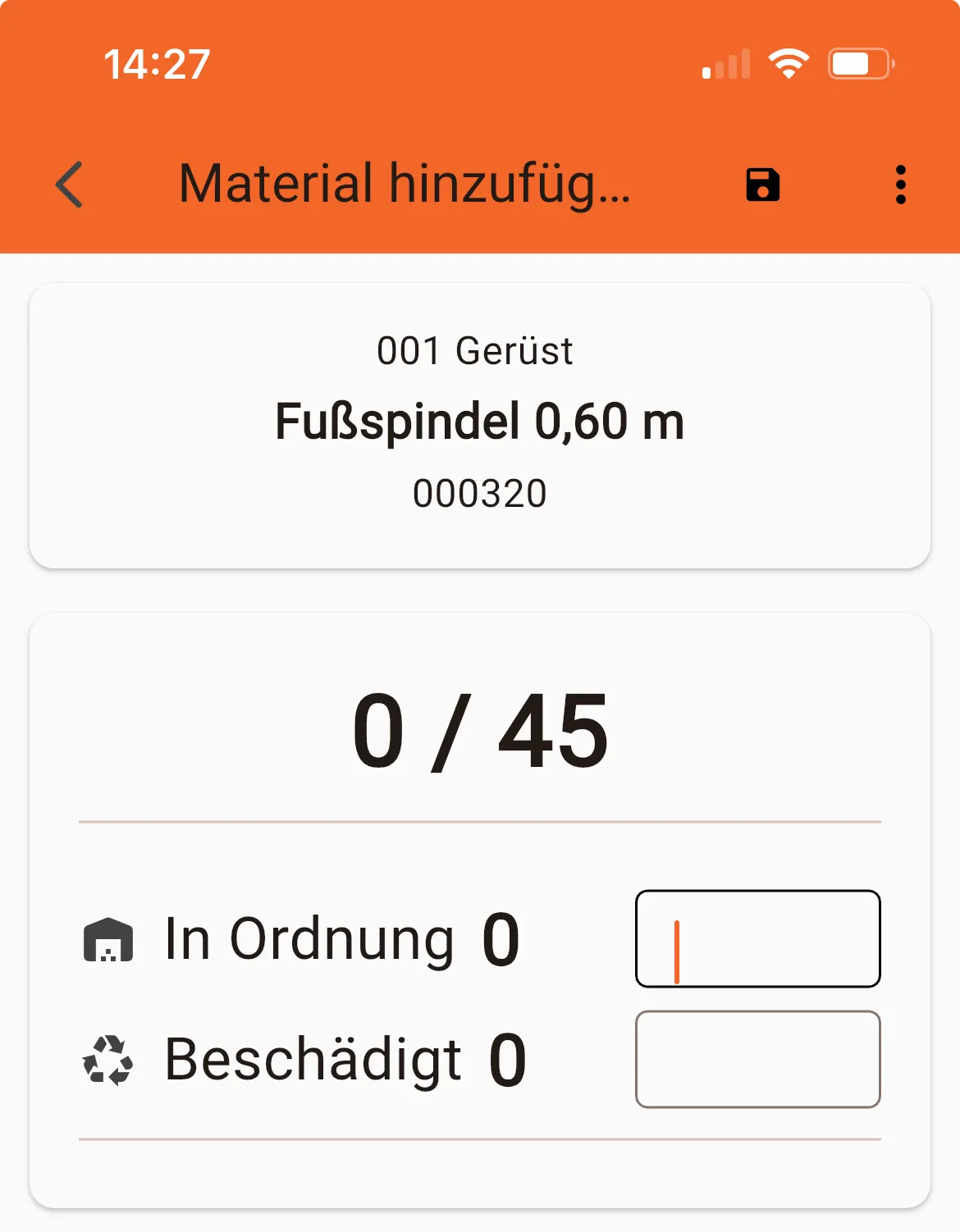
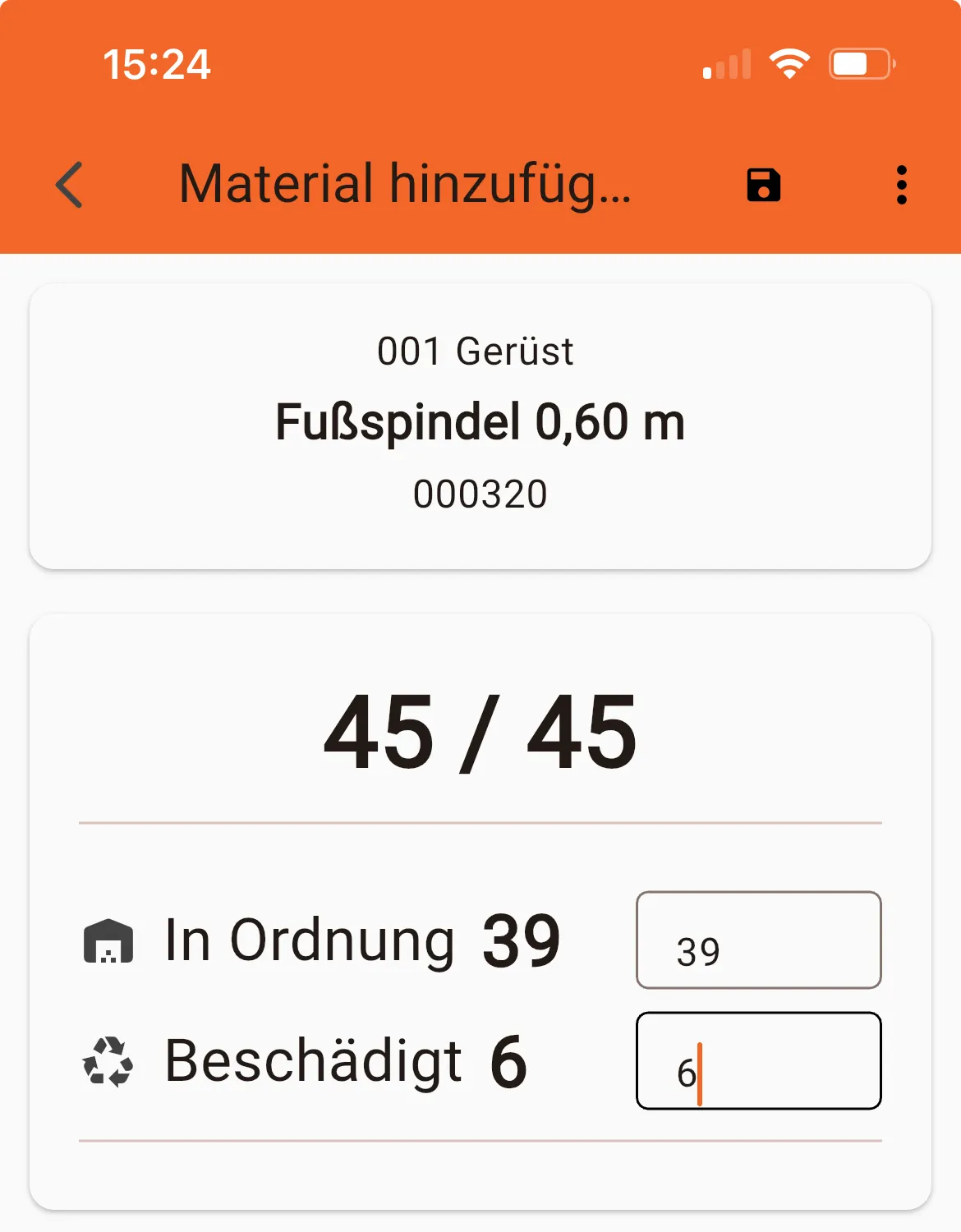
Here you can enter how many items were returned without damage (“OK”) and how many were damaged (“Damaged”).
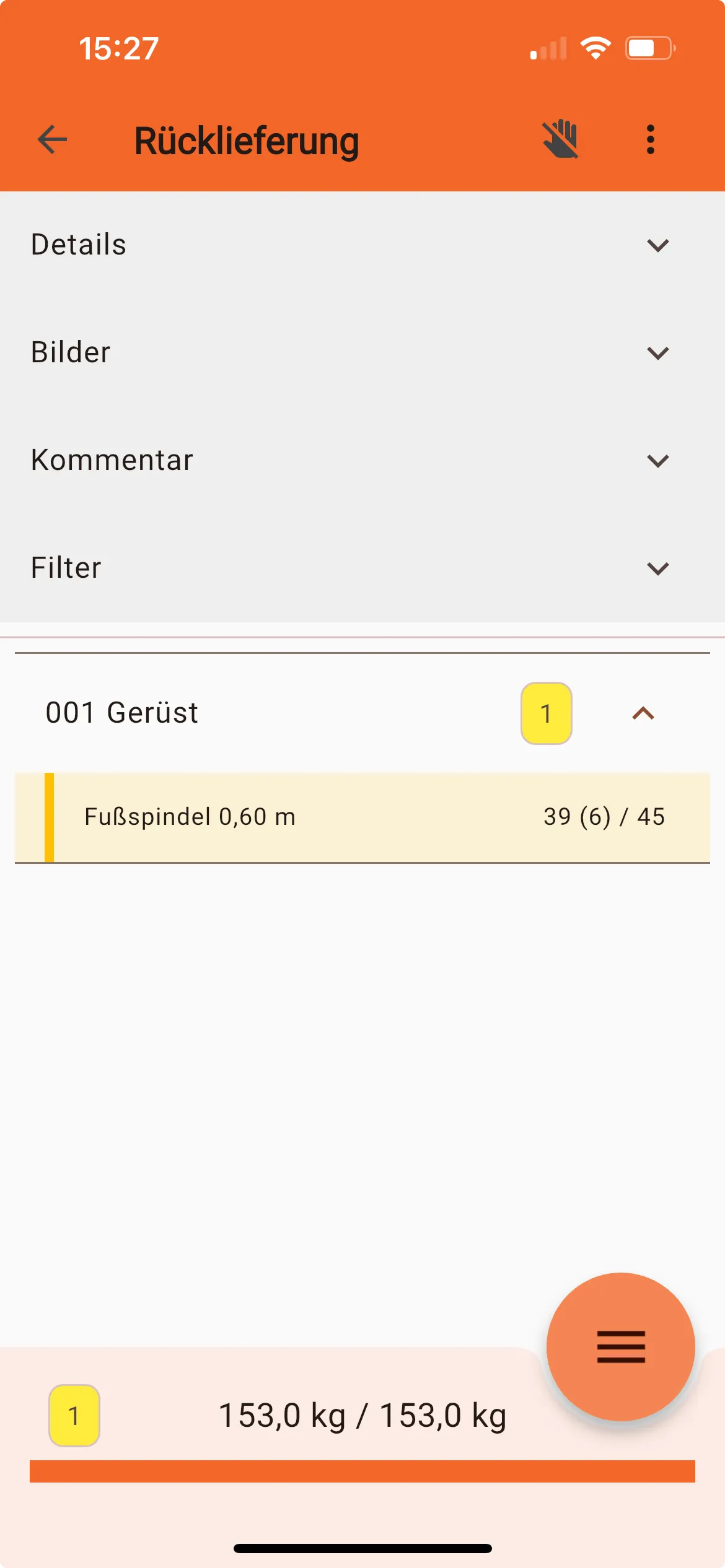
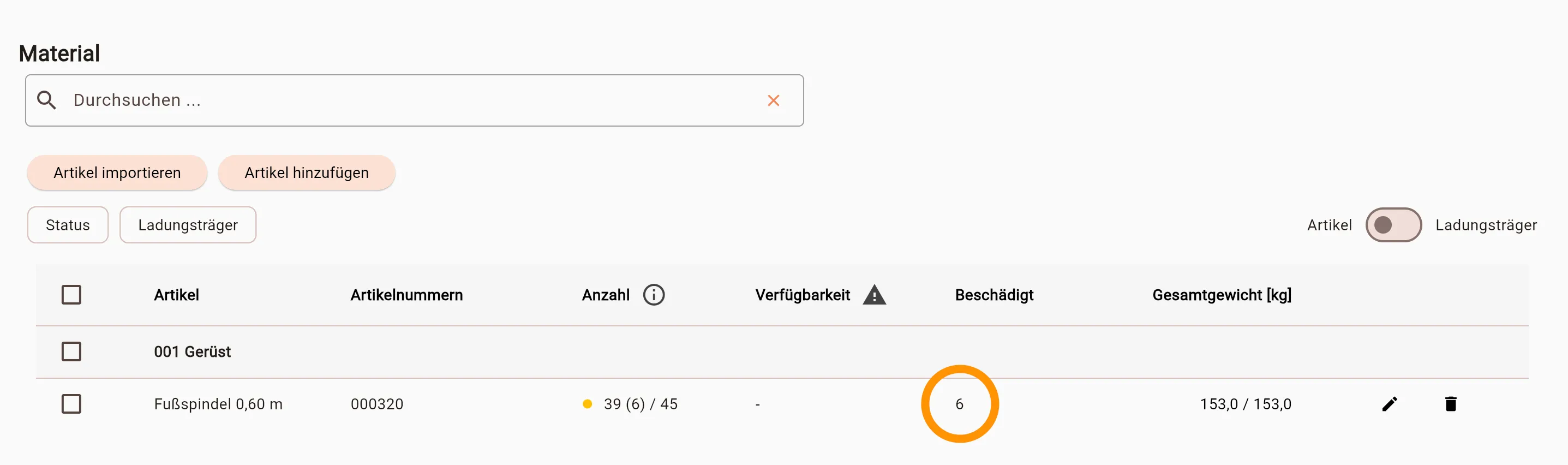
The list overview in the mobile app shows the number of damaged items in brackets
Also in the webapp the damaged material is visible on the list
Displaying damaged material
Section titled “Displaying damaged material”All damaged material collected on returns will be booked in a special “container”. You can imagine this container, like a big pile of damaged material in the yard.
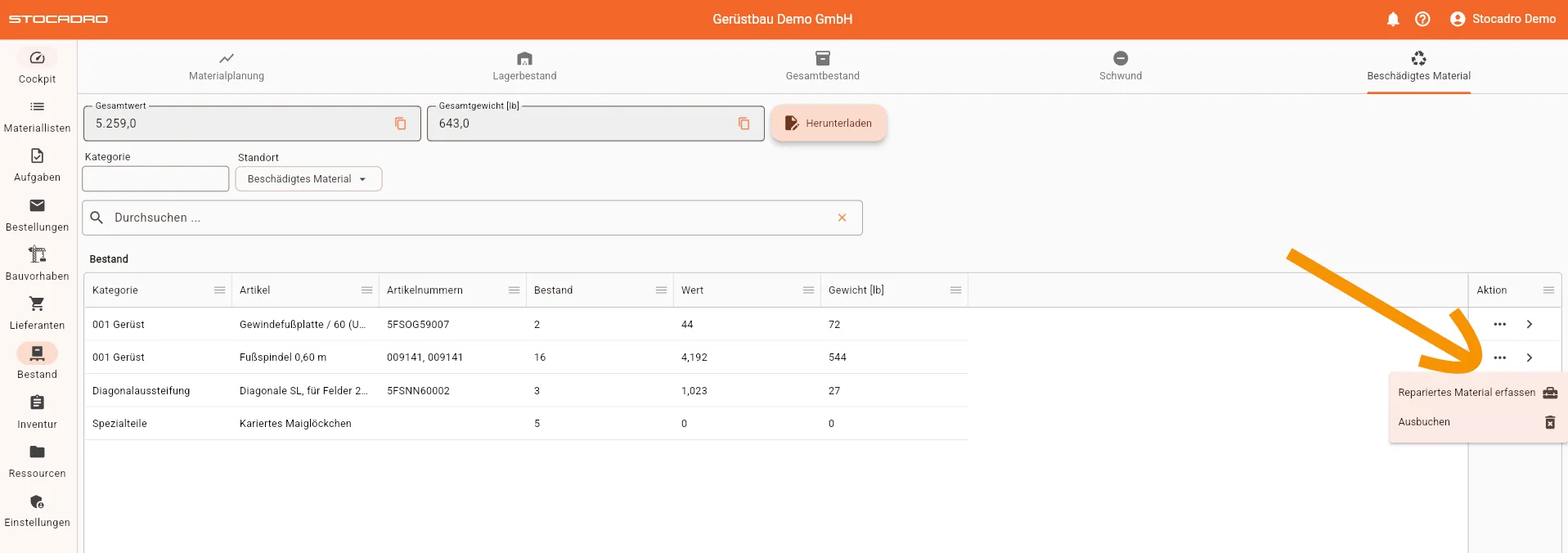
The contents of this container can be viewed at any time under Stock->Damaged Material
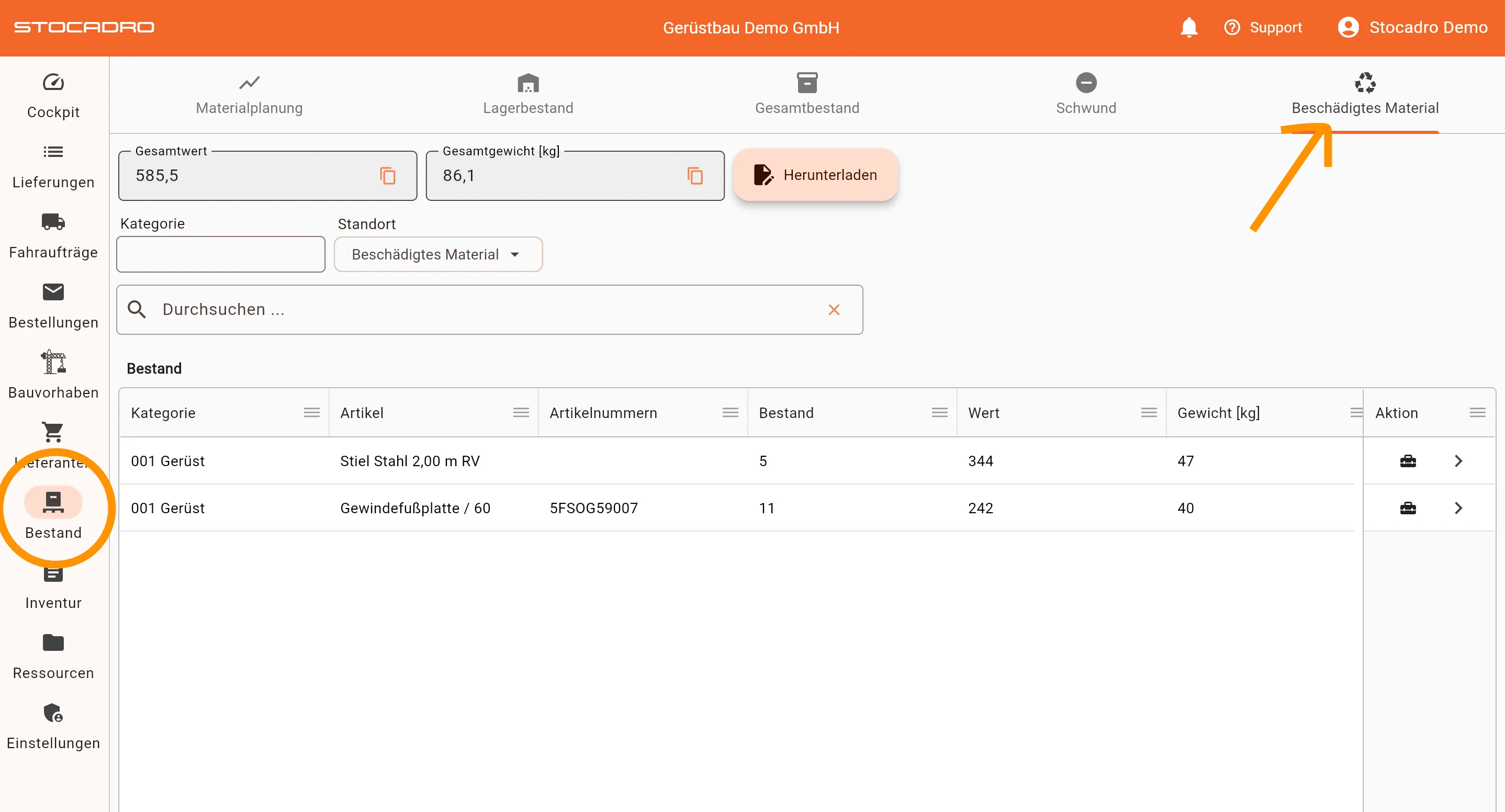
This shows how much damaged material was booked in total.
In a given period
Section titled “In a given period”Much more interesting, of course, is how much damaged material accumulated in a certain period of time. This view is available under Cockpit->Dashboard->Damaged Material
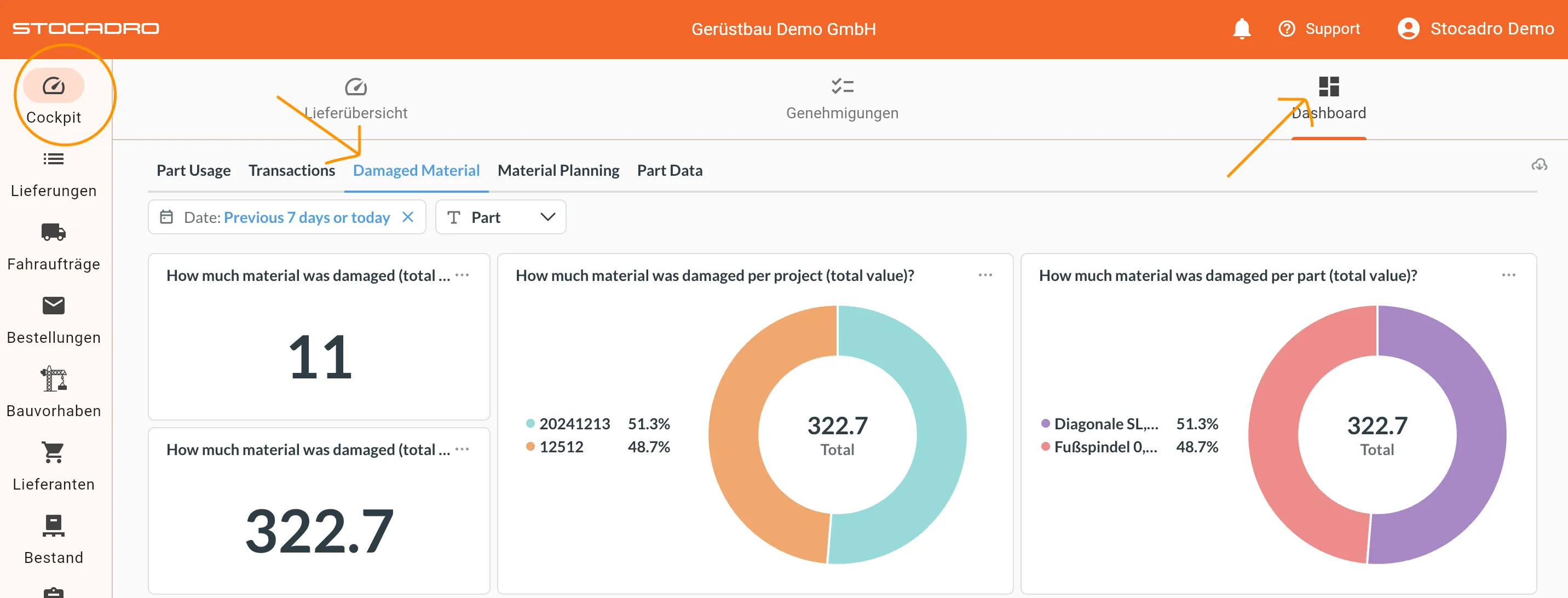
This view is only available in English. Under “Date” a period can be set. The graphics show which material was recorded as damaged during this period. It also shows which projects the material came from. Below is an exact overview of which delivery notes contain damaged material in the selected period.
All views can also be downloaded as PDF.
Per project
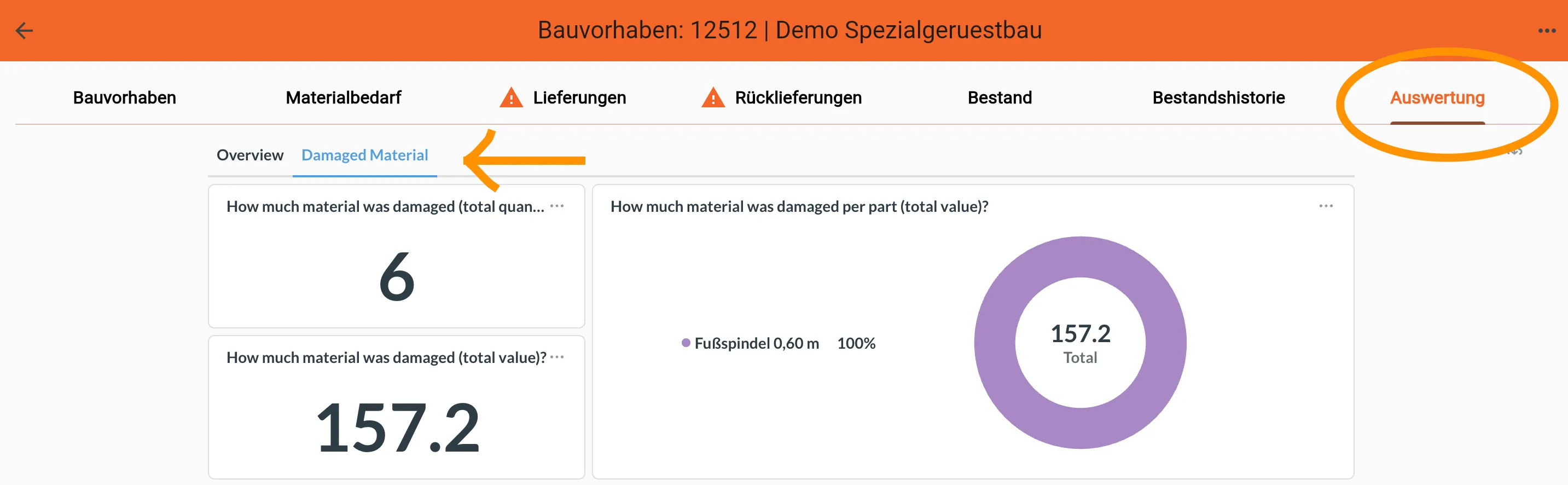
Section titled “Per project”The same views can be viewed for a specific project under “Evaluations” in the project view.
Repairing or writing off damaged material
Section titled “Repairing or writing off damaged material”If you want to repair or write off damaged material, you can do so by removing the parts from the large “container” (see Total). To do this, click on the three-dot menu next to a part and select the desired operation. These parts are then booked back into the warehouse or moved into the shrinkage container.