
Forecasts
Forecasts help you check future material availability. The details behind a value show the associated material lists and movements, helping you understand shortages and plan deliveries.
Open a forecast
Section titled “Open a forecast”Open material planning under stock and double-click a part. The stock tab in the part details shows how quantities at each location develop over the selected period.
Trace quantities
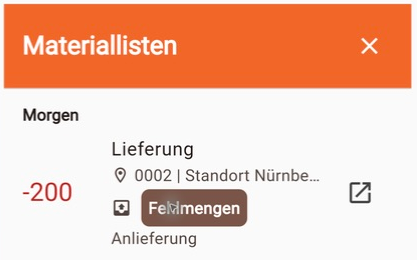
Section titled “Trace quantities”Double-click a number in the table. A material-list panel opens on the right with the associated movements, quantities, list names, statuses and list types.
Filter forecasts
Section titled “Filter forecasts”In material planning, narrow down the parts using availability, catalogs, category and search. Adjust the view using location, period, time interval and display. Double-click a part to open its details.

Screenshots show the German interface.