
Set the dark theme
You can switch between light and dark themes in the web app. The setting is saved per device and does not change the appearance for your whole company.
Enable the dark theme
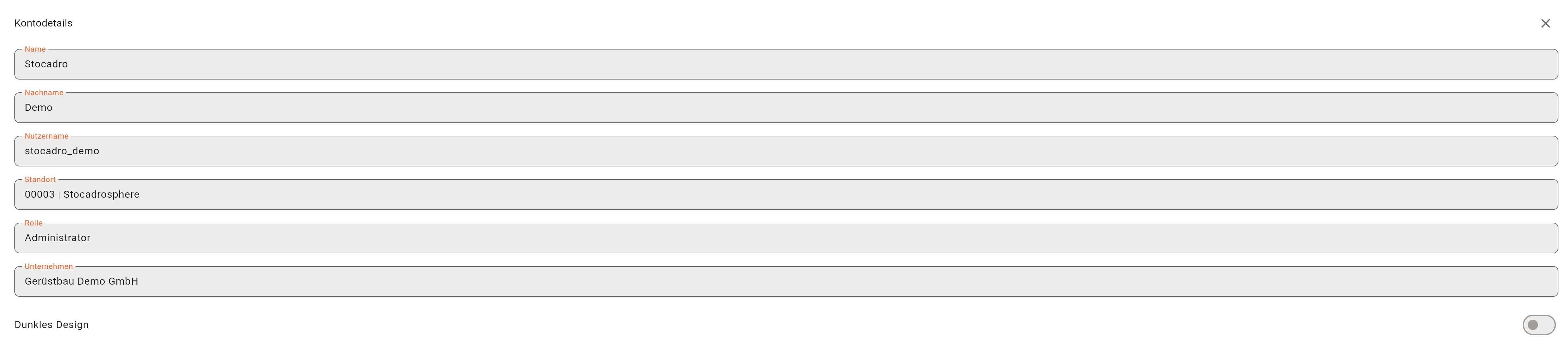
Section titled “Enable the dark theme”- Open your user account in the upper right and open the account details.
- Enable the dark theme switch.
- Disable the switch to return to the light theme.
Embedded Cockpit dashboards also follow the selected theme. You can choose a different appearance on another device.