
Attach PDF documents
You can attach drawings, delivery notes or permits as PDF files directly to a task or material list. The files are available in the web and mobile apps.
Add a PDF
Section titled “Add a PDF”- Open the relevant task in Tasks or the relevant list in Material lists.
- Scroll to the documents section below the images in the detail view.
- Click or tap the plus button in the documents section and select the PDF on your device.
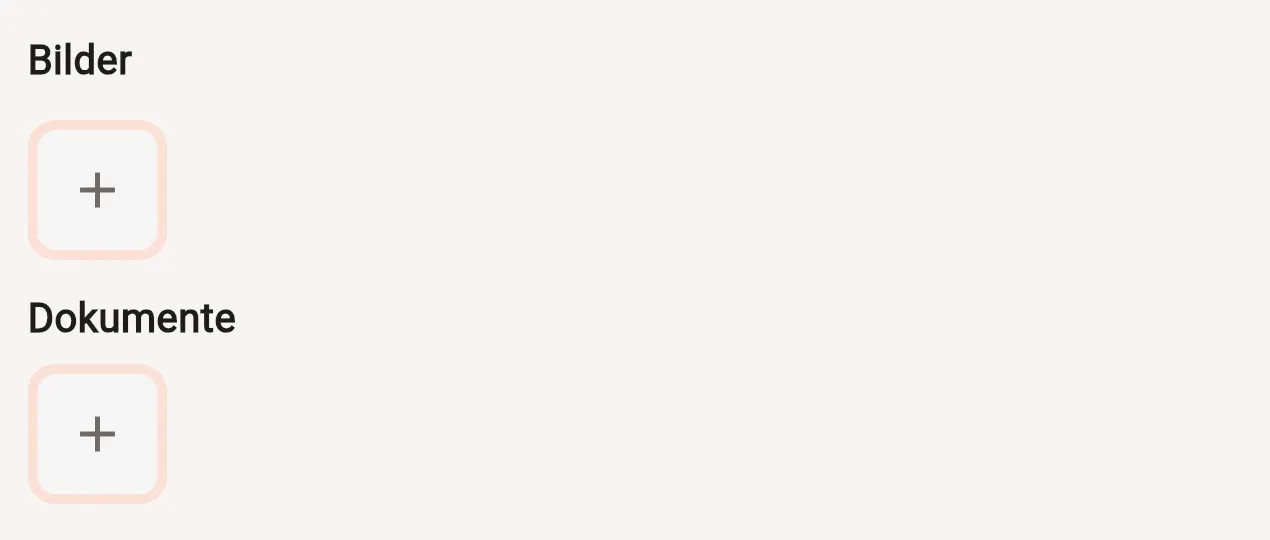
The screenshot shows the German interface: Bilder means images and Dokumente means documents. Each PDF may be up to 25 MB.
Download a PDF
Section titled “Download a PDF”Attached PDFs appear with their file names. Click or tap a file name to download it, then open the file using a PDF application on your device. Stocadro does not currently show an inline PDF preview.
Find the relevant task or list
Section titled “Find the relevant task or list”For more information, see Tasks and Creating material lists.