Adjusting stock
On this page you will learn how to directly adjust the stock of an existing article in Stocadro.
Directly changing the stock of an article
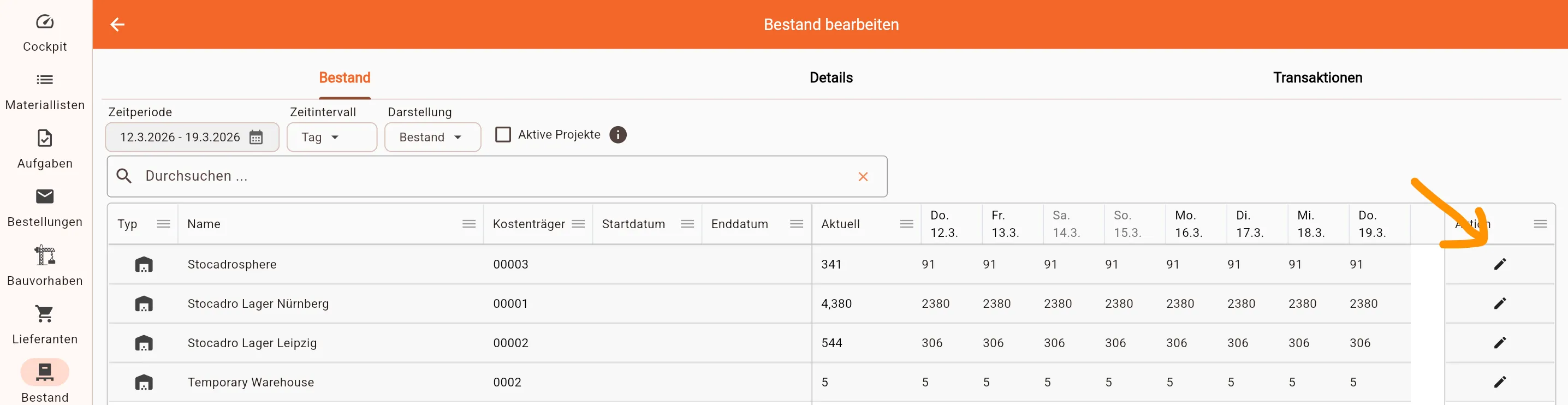
Section titled “Directly changing the stock of an article”- Open the Stock menu and double-click the desired article
- In the detail view of the article, click the pen next to the desired warehouse
- Enter the new stock and confirm the entry